
Critical alerts
Critical alerts are for urgent notifications that should still break through mute and Focus. In brrr, you enable critical alerts on the device first and then mark individual notifications as critical when you send them.
Critical alerts are not sent by default. That lets you reserve the stronger interruption level for urgent events such as leaks and alarms.
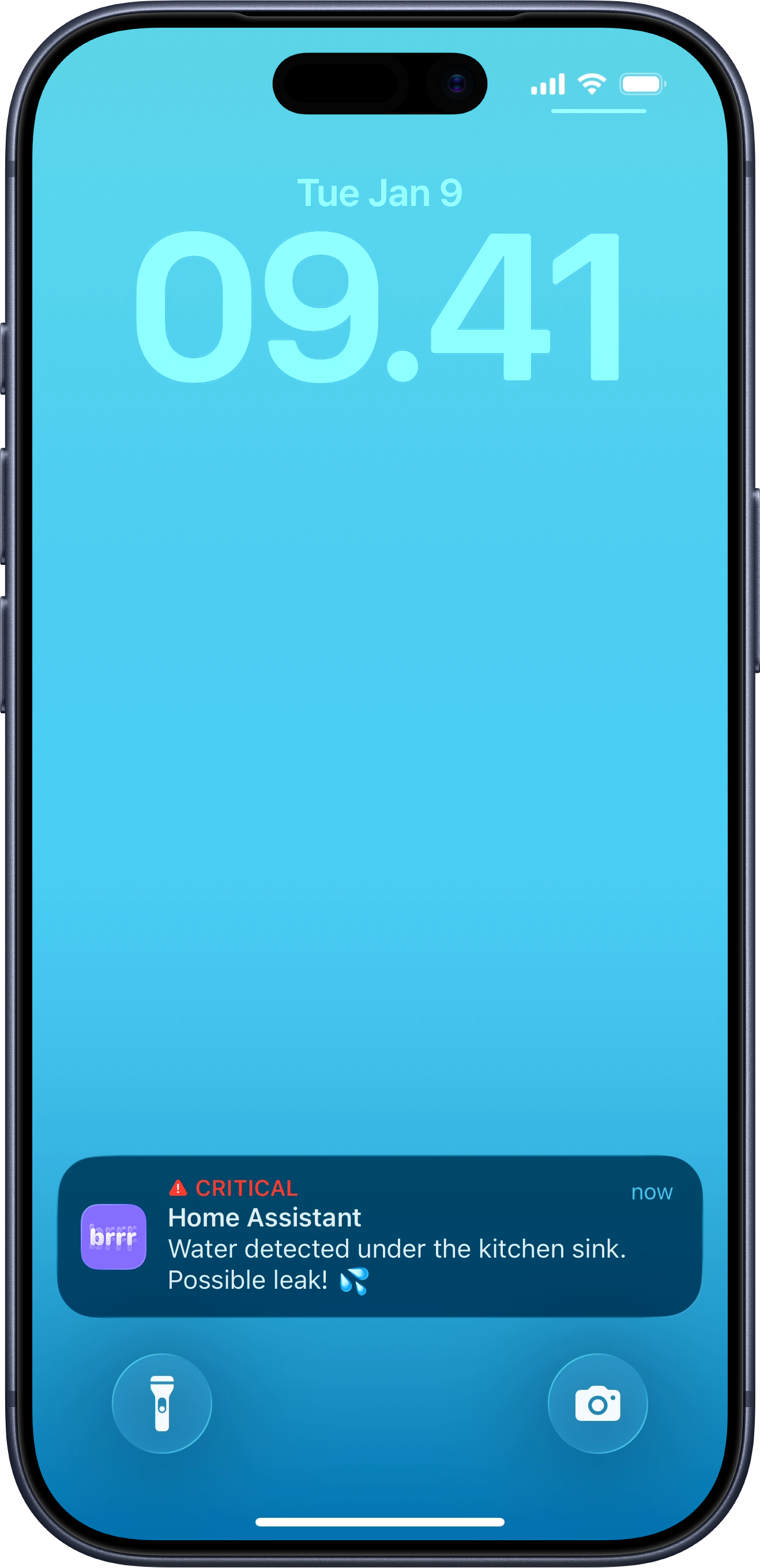
Enable critical alerts in the app
The first time you enable critical alerts, brrr takes you through the system permission flow.
- Open brrr.
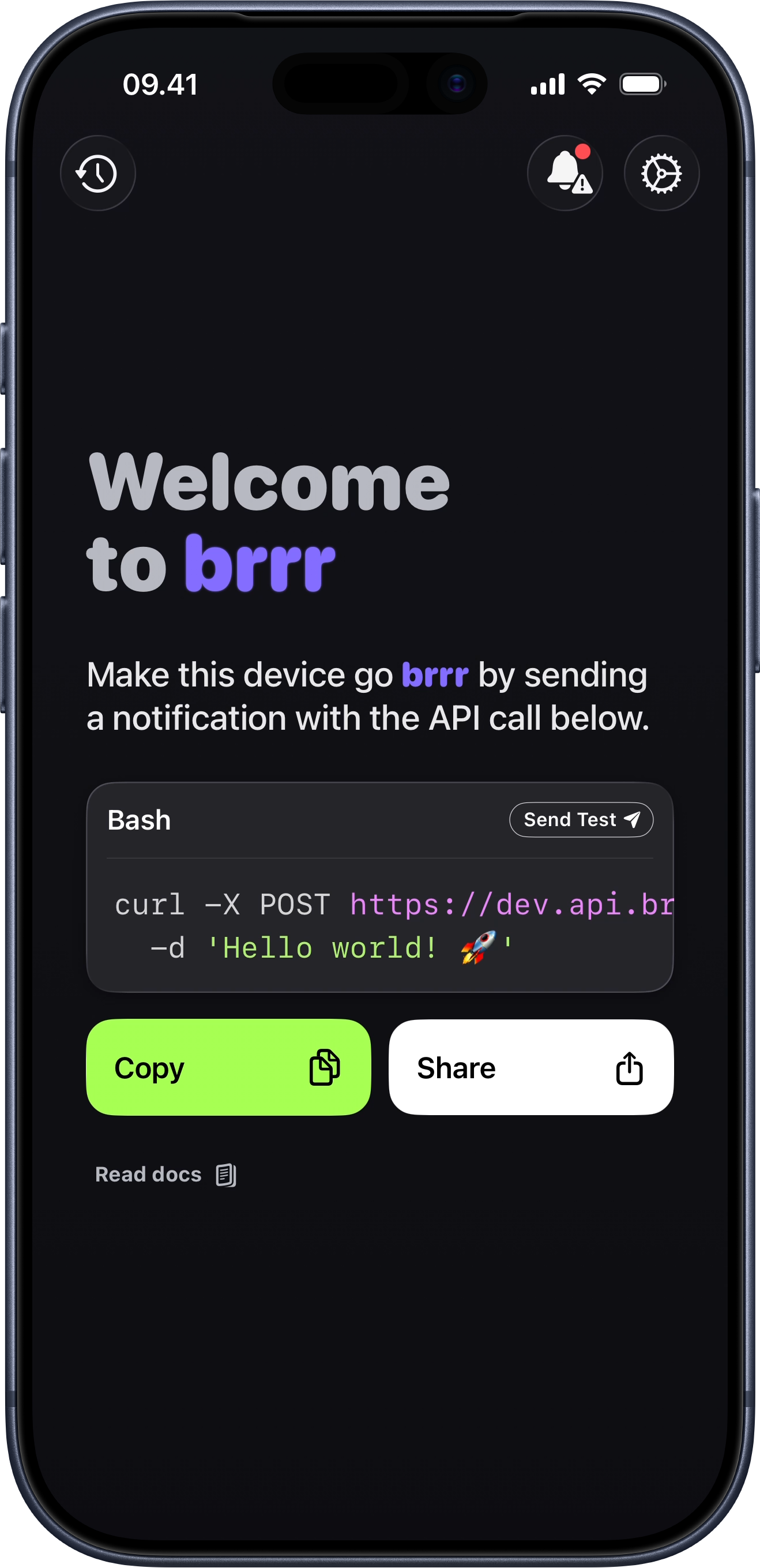
- Tap the critical alerts button in the top-right corner.
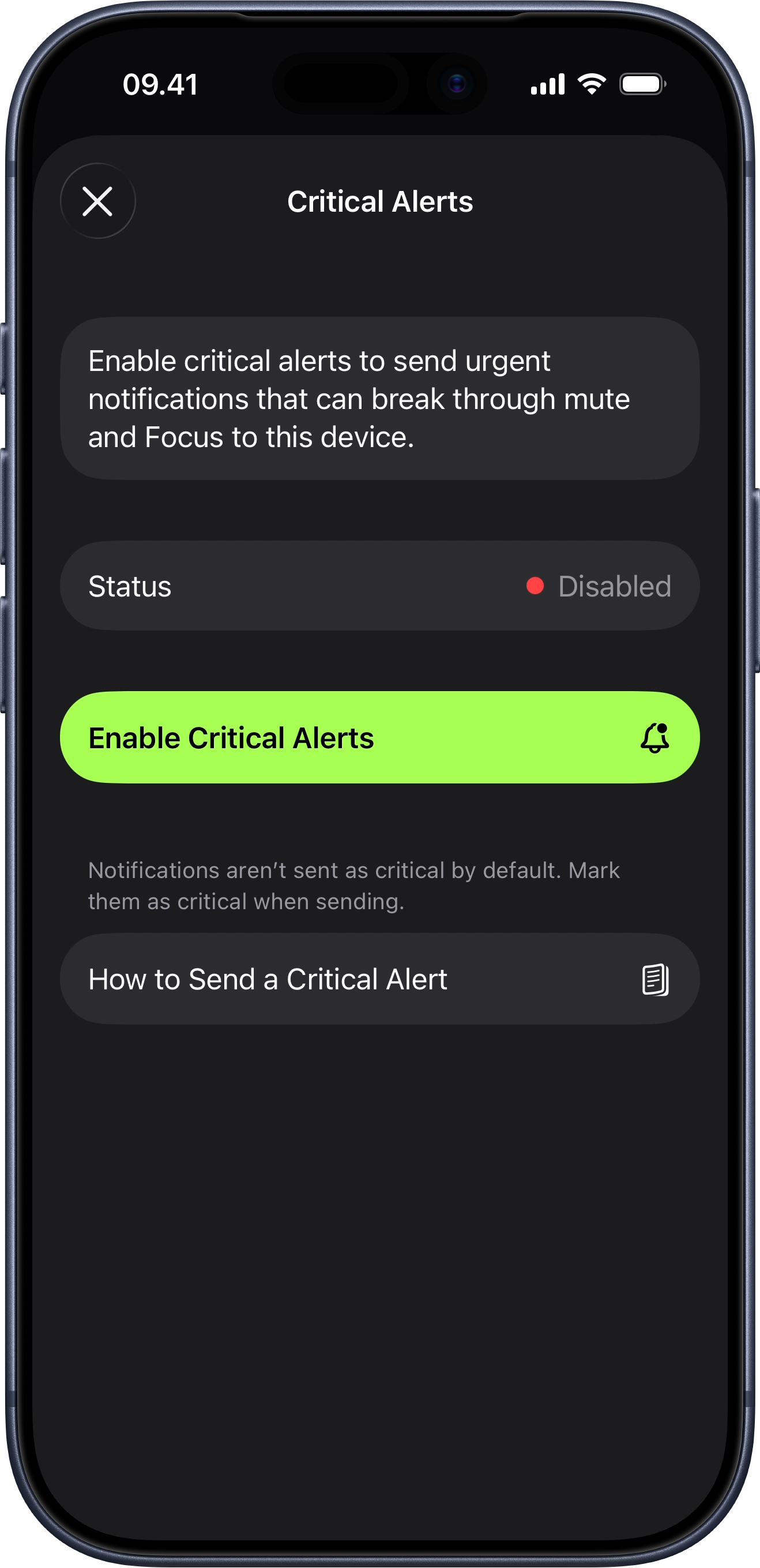
- Tap Enable Critical Alerts.
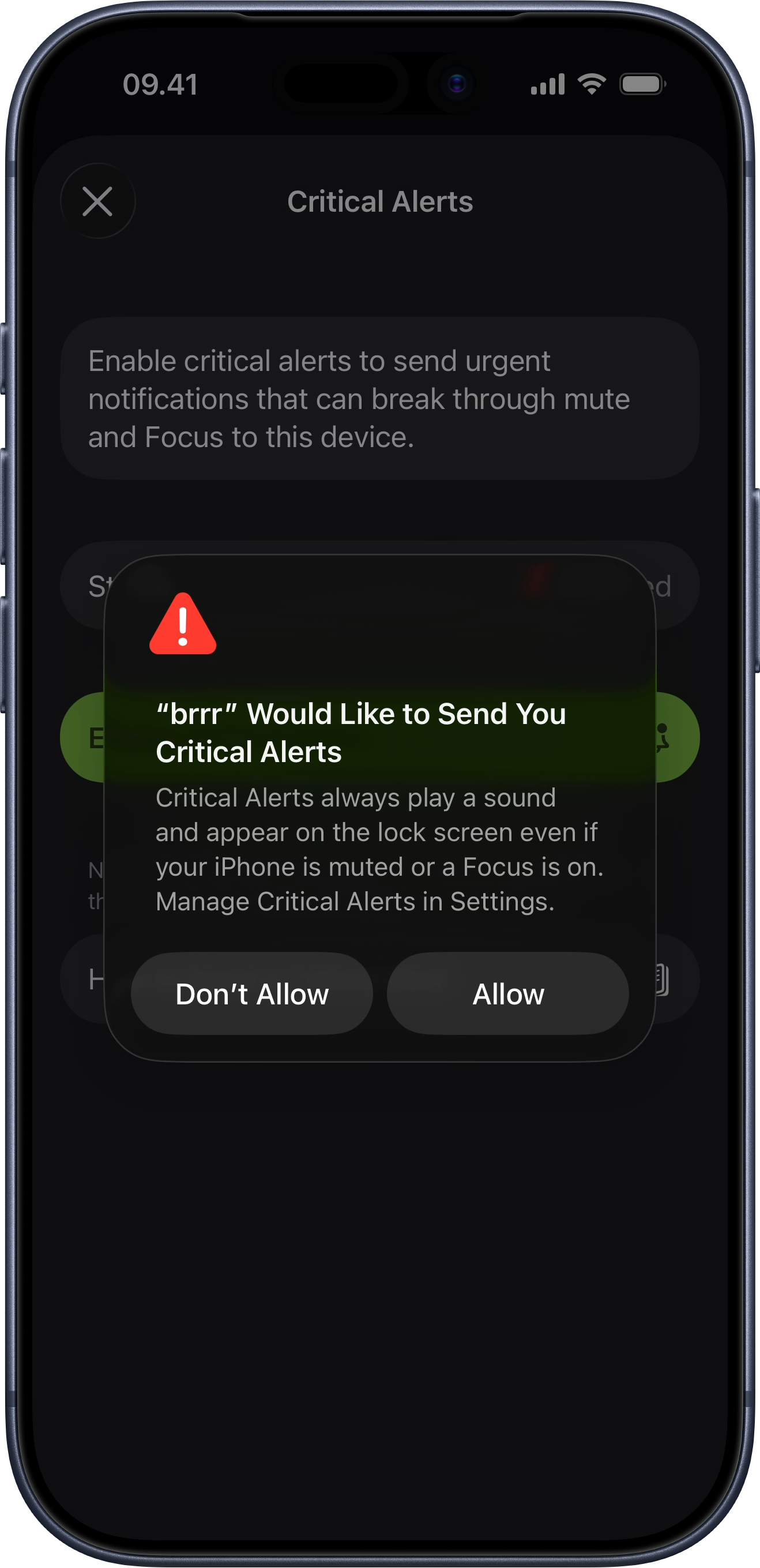
- Tap Allow in the iOS permission dialog.
This is shown the first time critical alerts are either enabled or declined. After that, you can manage critical alerts from the in-app settings instead.
Send a critical alert with the webhook
Once critical alerts are enabled on the device, send a JSON payload to your webhook and set interruption_level to critical. You can still choose a sound the same way you do for other notifications, and you can optionally set volume to a value from 0 to 1.
curl -X POST https://api.brrr.now/v1/🙈🙈🙈🙈🙈🙈🙈🙈🙈🙈 \
  -H 'Content-Type: application/json' \
  -d '{
    "title": "Home Assistant",
    "message": "Water detected under the kitchen sink. Possible leak! 💦",
    "interruption_level": "critical",
    "sound": "emergency",
    "volume": 0.8
  }'
If you want the full list of supported payload fields, continue to Docs.