Use brrr with Focus filters
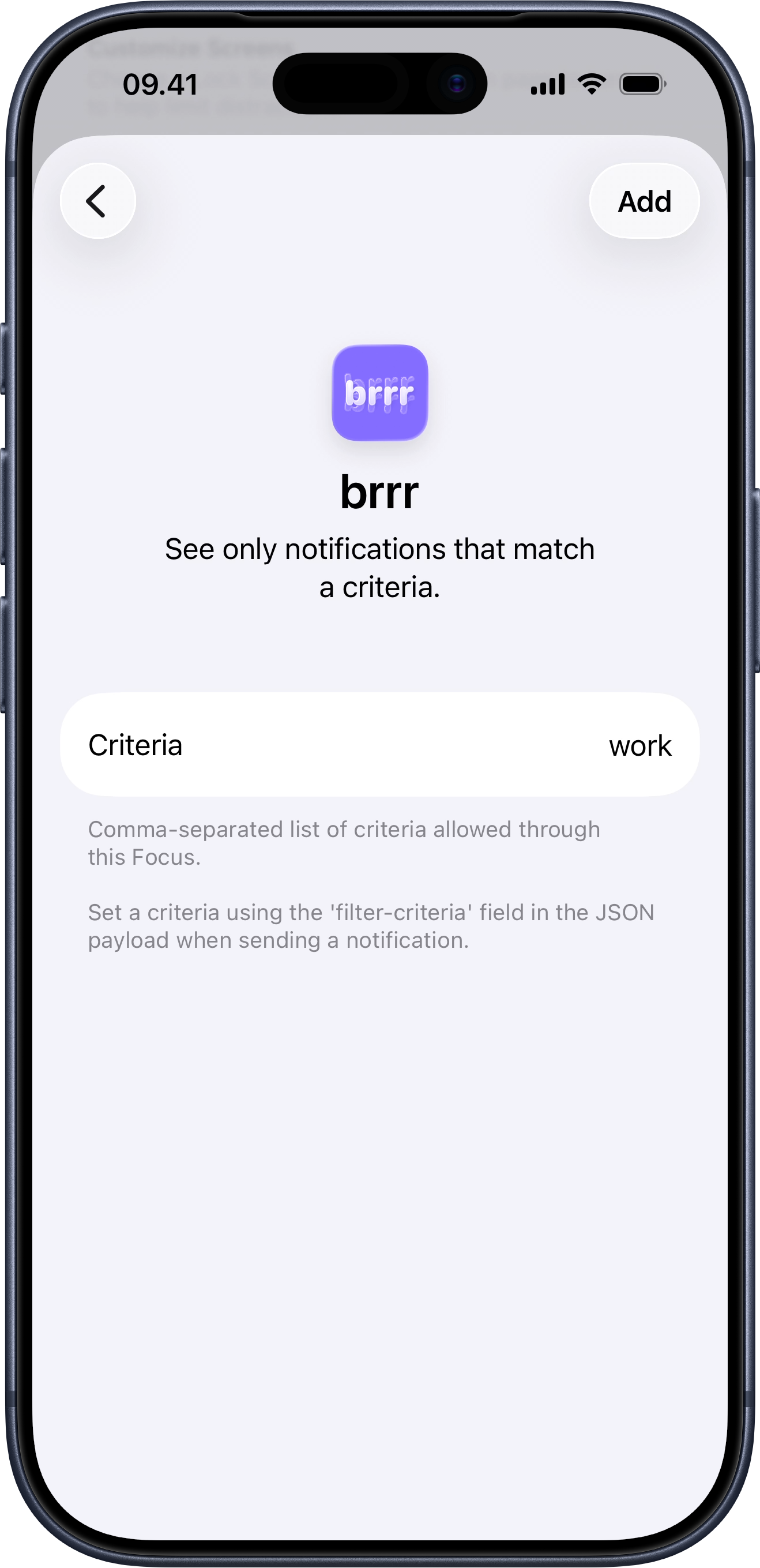
Focus lets you limit what gets through while a mode is active. For example, you can set up a Work Focus with the work criterion to allow only work-related notifications from brrr while that Focus is on.
Focus filtering has two parts that need to agree with each other.
On the device, configure the active Focus so brrr allows the work criterion. The screenshot shows that setup on the client.
In the notification payload, send the same value in filter_criteria. In this example, a notification with "filter_criteria": "work" is allowed through when that Focus is active.
If you send a different value, it won’t match the active Focus filter, and the notification will be delivered directly to Notification Center instead.