Use brrr recent notifications
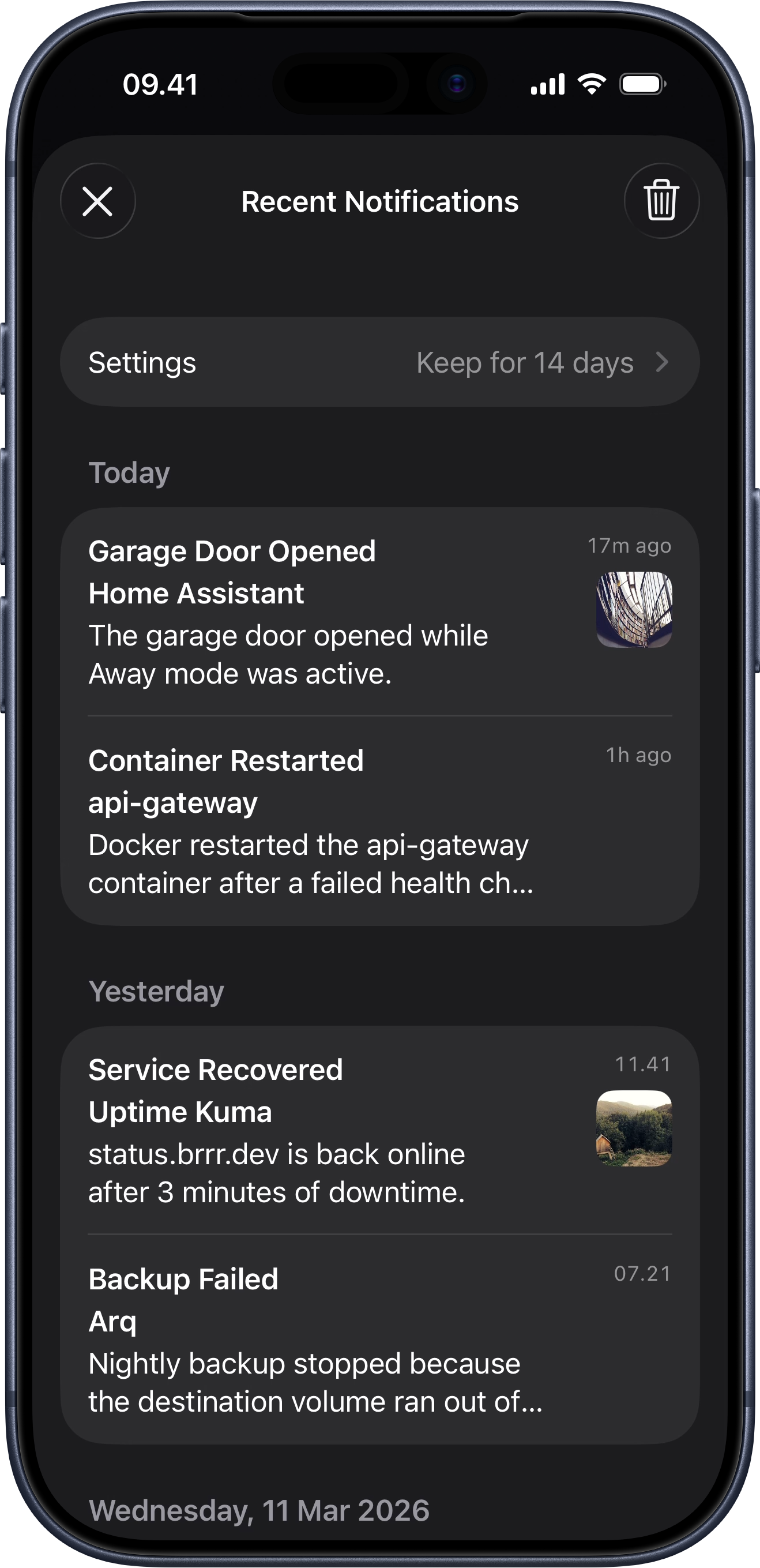
Recent notifications help you revisit pushes you may have missed, while keeping that history on-device only.
Notification history is never stored on the brrr backend. That gives you stronger privacy and keeps each device in control of its own local history. Notifications are not synced between devices, and you can configure or disable the feature separately on each device.
How recent notifications work
If the feature is enabled, brrr keeps a local history of recent notifications on that device. You can use it to look back at notifications you received earlier, even if they are no longer visible in the system notification list.
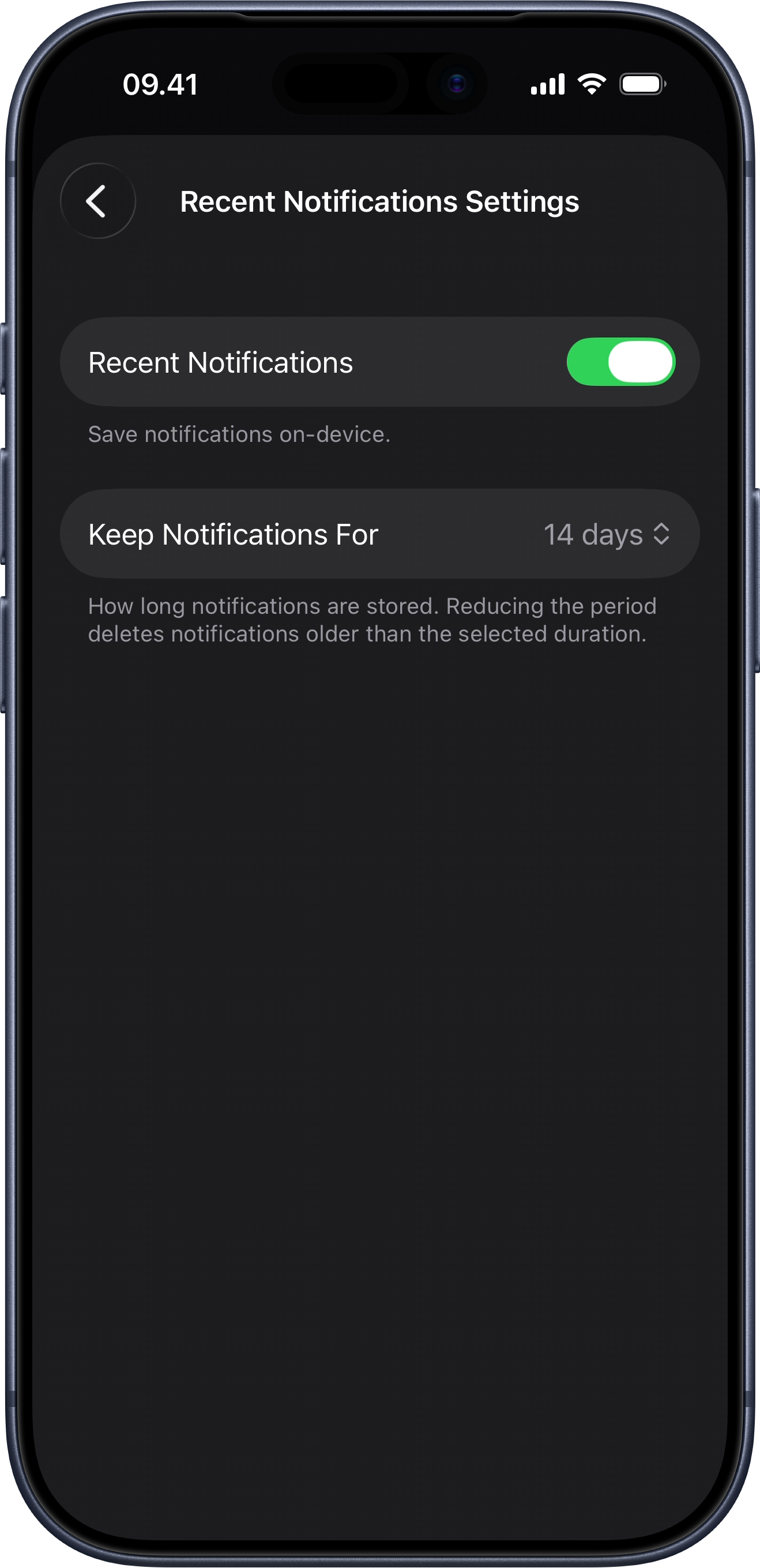
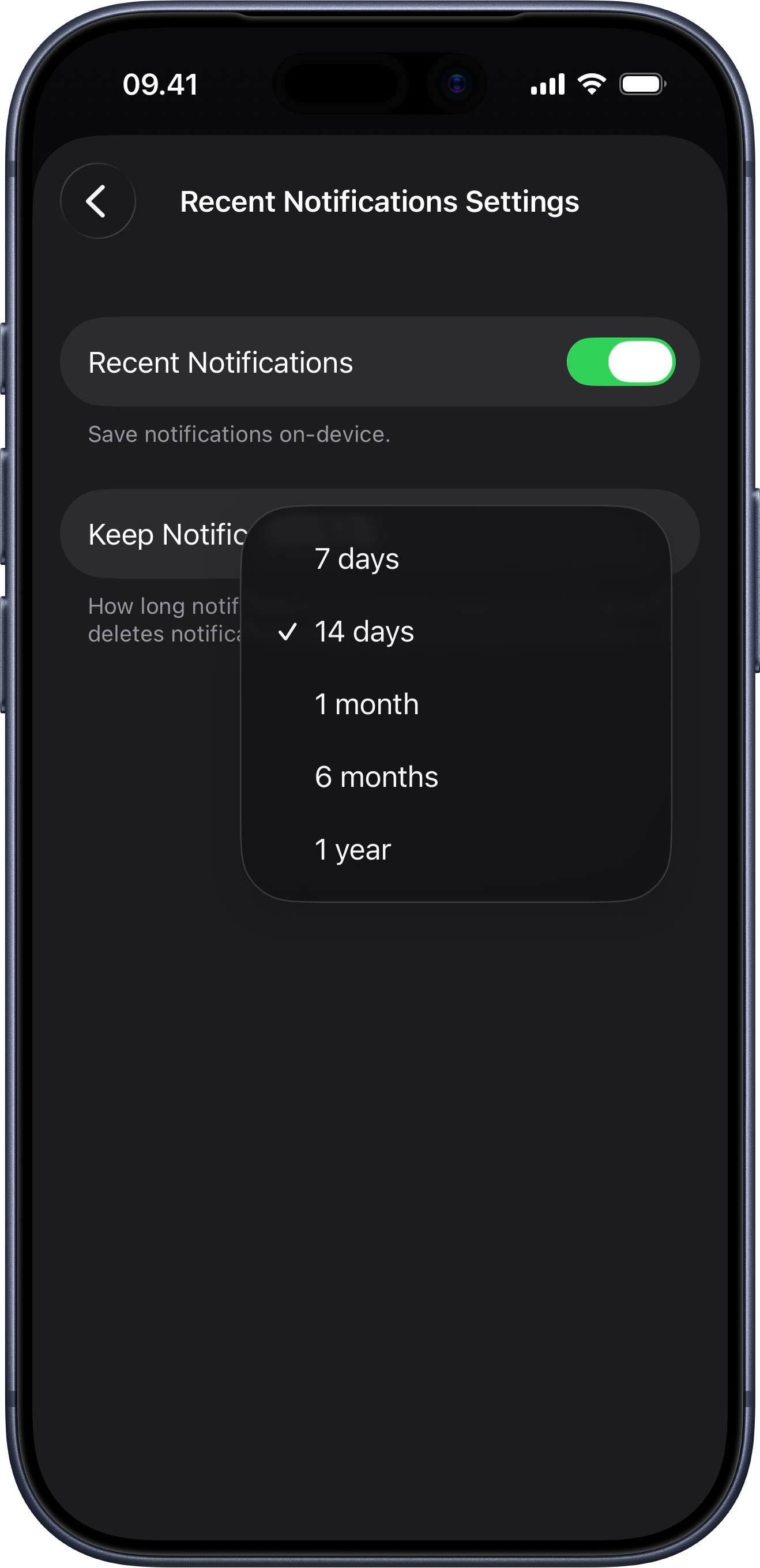
You can disable the feature altogether on each device, and you can choose how long notifications are retained from 7 days up to 1 year.
- Open brrr on the device you want to configure.
- Open Recent Notifications.
- Open the settings.
- Enable or disable the feature for that device.
- Choose how long notifications should be kept, from 7 days to 1 year.